Ask your AI to pull context from the tools you’re already using and generate on-brand, editable, and ready-to-share decks in Pitch.

Add a multiplayer harness to your agentic slides
On brand, every time
Prompt your AI for a Pitch deck, whether from Claude or ChatGPT, and it respects your design guardrails every time. Slides match your defined layouts and styles, so sales personalization doesn’t break brand consistency.
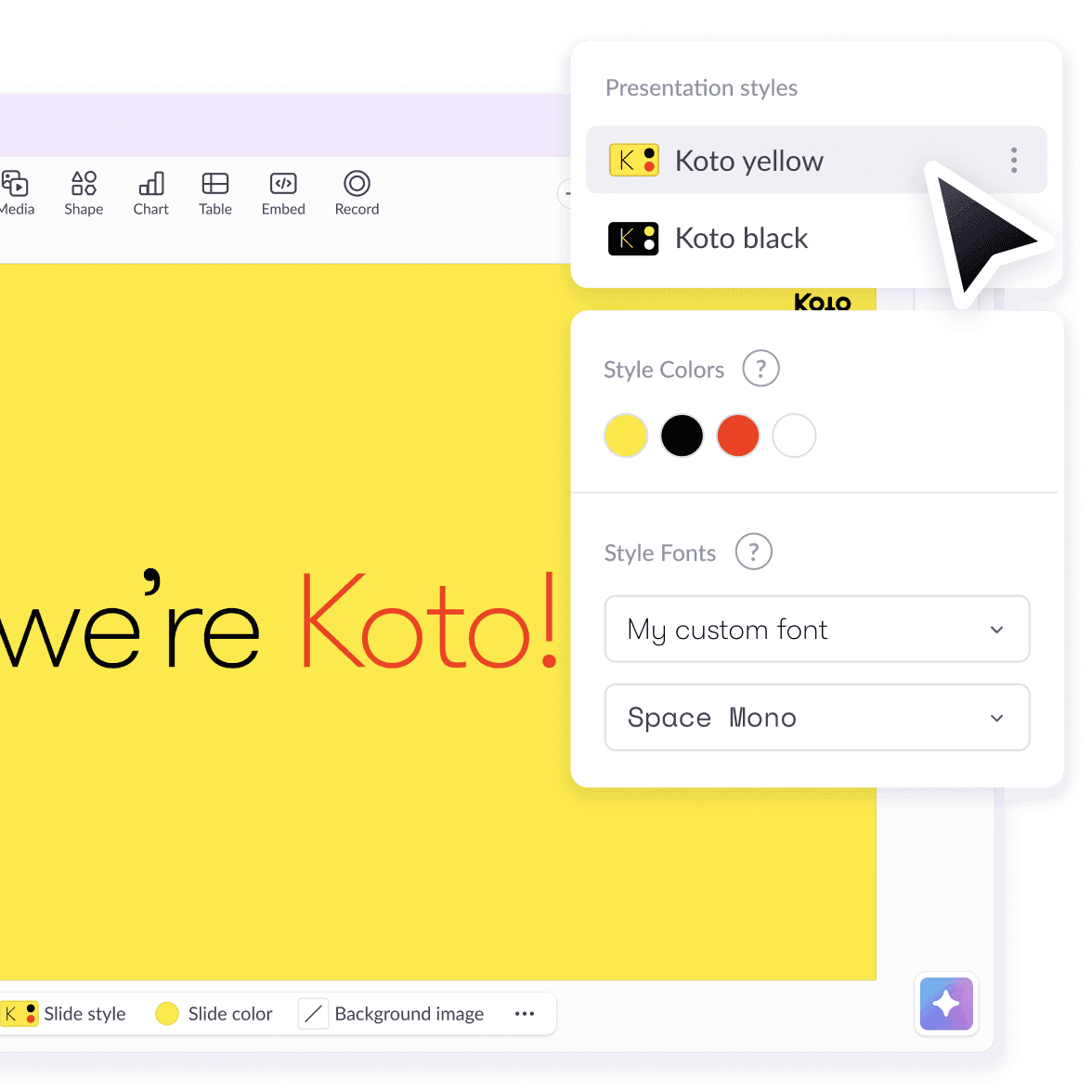
Keep complete design control
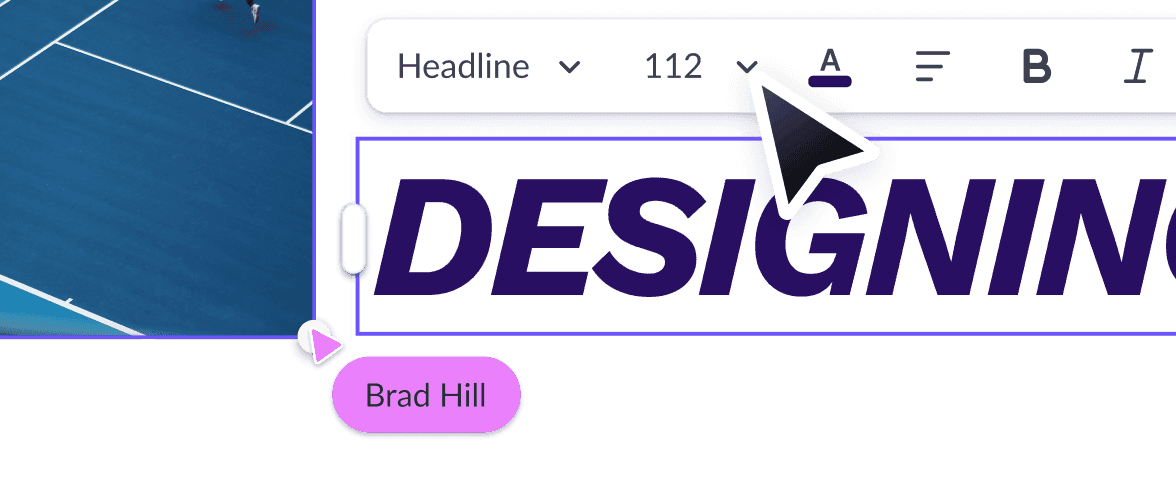
Every deck created with Pitch’s MCP is fully editable, not a static AI artifact you have to keep re-prompting. Plus, every deck lives in a shared team workspace where you can collaborate together.
See who’s engaging
Ask for a presentation share link when generating so you can track recipient engagement and know when and how to follow up.
Invoke Pitch from your GTM stack
Pitch MCP
Connect once, then talk to your AI tool. Ask it to draft a proposal, find a deck, or hand you a tracked link, and it’ll happen right inside the conversation. No code required, and it works on any Pitch plan.

Ideas to automate slides



Automate sales materials for every account, at every stage
Auto-create account-specific sales decks, proposals, and mutual action plans whenever a deal advances.



Generate follow-up decks from call notes
Turn call notes into branded follow-up decks ready to review and send right after the meeting.
Arm your champion with a deck they can pitch internally
Give champions a polished, account-specific business case they can share with the buying committee.
Get Started
Set up Pitch’s MCP in 3 steps

FAQs
Tell me more about the MCP
What’s the difference between Pitch MCP and Pitch API?
It’s the same engine with a different steering wheel. The MCP gives you Pitch through conversation with your AI tool, no code needed. The API is for automations and pipelines. Creating and editing with Pitch’s AI is MCP-only today, while the API creates from templates with variables.
Does it work with my CRM and call notes tool?
If your tools have their own MCP connectors, your AI tool reaches them and Pitch joins that circle. For the API, anything that can call an HTTP endpoint works, including Zapier, Make, and HubSpot workflows.
Is it secure?
Every request is authenticated and checked against your actual Pitch permissions. No teamspace access in Pitch means no access through the API or MCP. Admins can see and revoke every key and connected app.
Which plans include it?
Every workspace can connect Pitch’s MCP. Creating with Pitch's AI uses AI credits. Templates with variables, and API keys, are on the Business and Enterprise plans.